Future-proof with Exchange: Switch to the Subscription Edition now!
Dennis Weber · 26 September 2024 · 3 min read
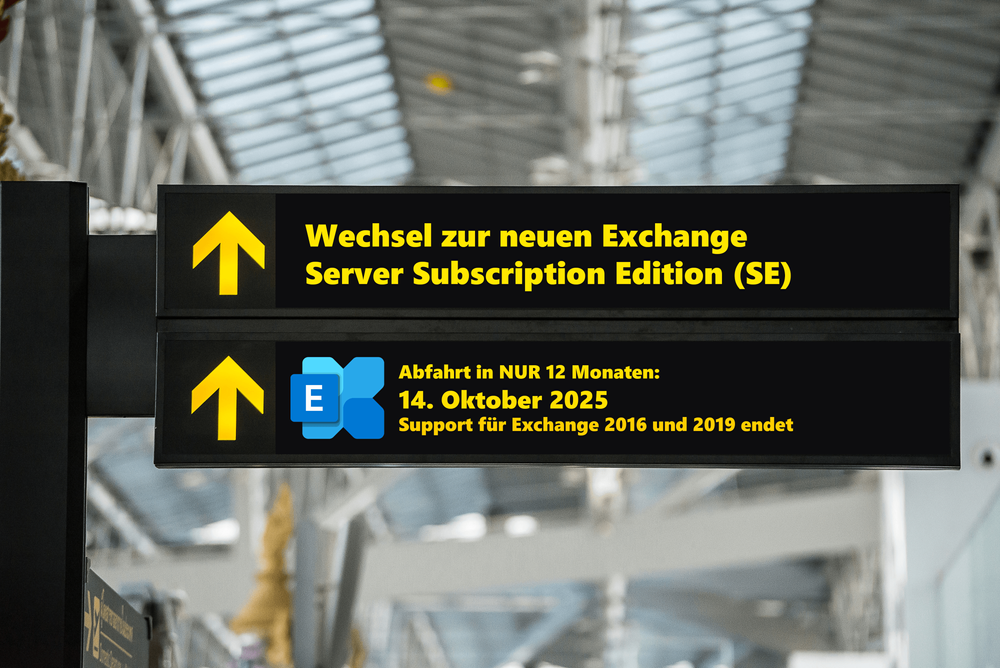
With the Exchange Server Subscription Edition (SE), Microsoft is bringing a new approach to operating local Exchange environments to the market, which is forcing all companies with their own Exchange servers to act. The impending "end of life" for Exchange 2016 and the end of support for Exchange 2019, which has been brought forward to the same date in October 2025, require a timely migration to a future-proof state of their own Exchange organization. For many who continue to rely on their local Exchange infrastructure or simply prefer it, the question arises:
“What do I need to do now to ensure that my Exchange Server can continue to operate securely in the future and what changes will be made with the new Exchange Server Subscription Edition (SE)?”
Release cycles and continuous updates
In contrast to the previous versions, which are based on fixed release cycles with mainstream and extended support of 5 years each, Exchange SE relies on a subscription-based model with continuous updates. Instead of major version jumps or service packs, with new features only in mainstream and pure security updates in the extended cycle, companies receive continuous security and functional updates without the need for complex migration projects. The Exchange organization can be easily kept up to date and the administrative workload for IT teams is significantly reduced.
Advantages:
- No more migration projects: Major upgrades and migrations are a thing of the past, as in-place updates allow existing servers to be updated directly.
- Always new features: New functions are not only available for the first 5 years of each version, but continuously. This means that companies always have the latest features at their disposal.
In-Place Upgrades: The great strength of Exchange Server SE
Exchange Server SE is the first Exchange Server that allows an upgrade of the current Exchange Server version, called an in-place upgrade. The condition for the direct upgrade is that the Windows Server version is compatible with the next Exchange Server SE, which is why thorough planning is required before upgrading from Exchange Server 2016 and 2019 to Exchange Server SE.
Technical advantages of the in-place upgrade:
- Reduced downtime: The upgrade can be performed without disrupting the entire organization, minimizing maintenance and downtime.
- Maintain existing configuration: Since no coexistence between Exchange versions is required, no new DAGs need to be set up and no new namespaces need to be reserved.
Why Exchange SE is the future for on-premises environments
Exchange Server SE is undoubtedly the future for on-premises environments, as the lifecycle for all versions of Exchange Server 2016 and 2019 will end on October 14, 2025, after which no features or security updates will be released for the old versions that are still running. Exchange organizations in companies will be at risk from then on, and for companies for whom Exchange Online is still not an alternative, the only option is to switch to Exchange Server SE.
Conclusion
In addition to the simple requirement to switch to Exchange Server SE, companies are offered a much simpler upgrade process and the elimination of release cycles means that all new features are quickly and easily available to all users. This noticeably increases the convenience of long-term operation of Exchange servers for companies.
In order to fully benefit from the upgrade advantage of the in-place upgrade, however, the final migration to Exchange Server 2019 CU15 must first be carried out carefully! If the Windows Server version is incorrect or the server is not configured appropriately, the advantages of the in-place upgrade quickly fizzle out and companies have twice the work of operating the Exchange Server SE.